Cline
Cline, an AI assistant that can use your CLI aNd Editor.
Install
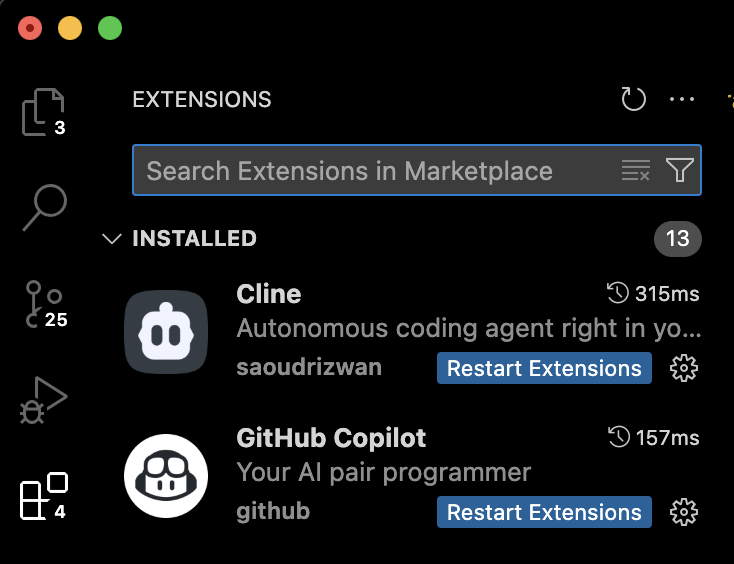
First, we need to install the Cline VSCode extension- search it in the extensions tab.
Open
To open the Cline tab, open VSCode command pallette with Cmd+Shift+P and search cline.
Select the 'Cline: Open in new Tab' option.

Configure
At the bottom of the Cline tab, click the name of the model at the bottom of the tab.

-
In the "API Provider" dropdown, select "OpenAI Compatible"
-
In the "Base URL" field, set
https://api.hellas.ai/v1 -
Create a new API key on
https://gate.hellas.ai/keys, copy it, and paste into the "API Key" field. -
Find the model you want to use on
https://gate.hellas.ai/models, and copy the model ID into "Model ID" config. -
(Optional) Adjust the advanced settings (max context length, max output tokens) to match the values from the model card.